

Prompt Builders & Studios
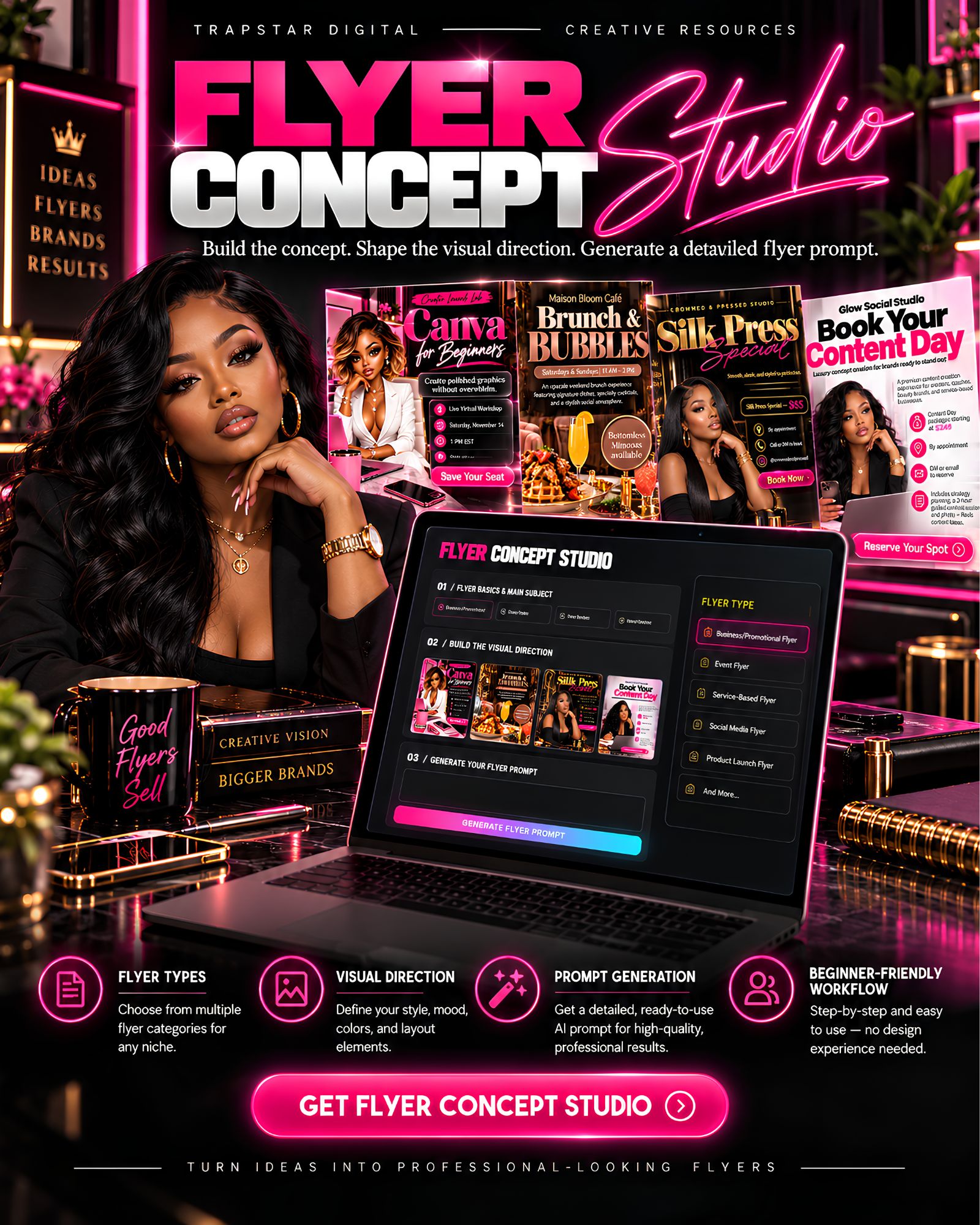
Flyer Concept Studio
Build polished flyer concepts with guided controls for copy, layout, visuals, color, props, typography, and output size — then generate a detailed ready-to-use flyer prompt.
Launch price ends November 30, 2026
Delivery: Instant download after checkout.
Outcome
A guided flyer prompt builder for entrepreneurs, creators, and small businesses. Define every part of your flyer — wording, visuals, layout, props, typography, color, and size — and get a detailed, copy-ready flyer prompt for a compatible image-generation tool. The studio creates the concept prompt and direction, not the final flyer.
Create stronger flyer concepts without starting from a blank page.
Flyer Concept Studio is a guided creative builder for entrepreneurs, creators, service providers, event hosts, beauty professionals, restaurants, coaches, and small businesses who want polished flyer direction without guessing through every visual decision.
Start by choosing your flyer type and entering the exact wording you want used. Then shape the look through guided controls for the hero subject, design style, layout, environment, props, typography, text treatment, headline placement, color palette, design intensity, composition density, and final output size.
When you're ready, Flyer Concept Studio turns those choices into a detailed, copy-ready flyer prompt you can use with a compatible image-generation tool.
Use it for business promotions, beauty services, restaurants, events, workshops, real estate, seasonal promotions, and custom flyer concepts.
- Instant access to Flyer Concept Studio
- Multiple flyer-type options
- Custom flyer category option
- Exact-copy fields for business/event name, headline, subtitle, description, offer, date, time, location, contact details, website, social handle, CTA, and additional instructions
- Hero subject / main visual selector
- Uploaded reference image option
- Custom subject details
- Multiple design-style options
- Flyer layout controls
- Background & environment controls
- Props & scene builder
- Prop placement and intensity controls
- Typography style controls
- Text effects
- Headline placement controls
- Preset color palettes
- Custom colors using color names, HEX codes, or a mix
- Design intensity controls
- Composition density controls
- Multiple output-size options
- Custom output sizing
- Generate Prompt
- Regenerate Prompt
- Copy Prompt
- Download Prompt (.TXT)
- Clear Prompt / fresh-start workflow
- 2-page Welcome + Quick Start PDF with direct studio access
Instant digital download — no physical item ships.